




Cultivar and lineage
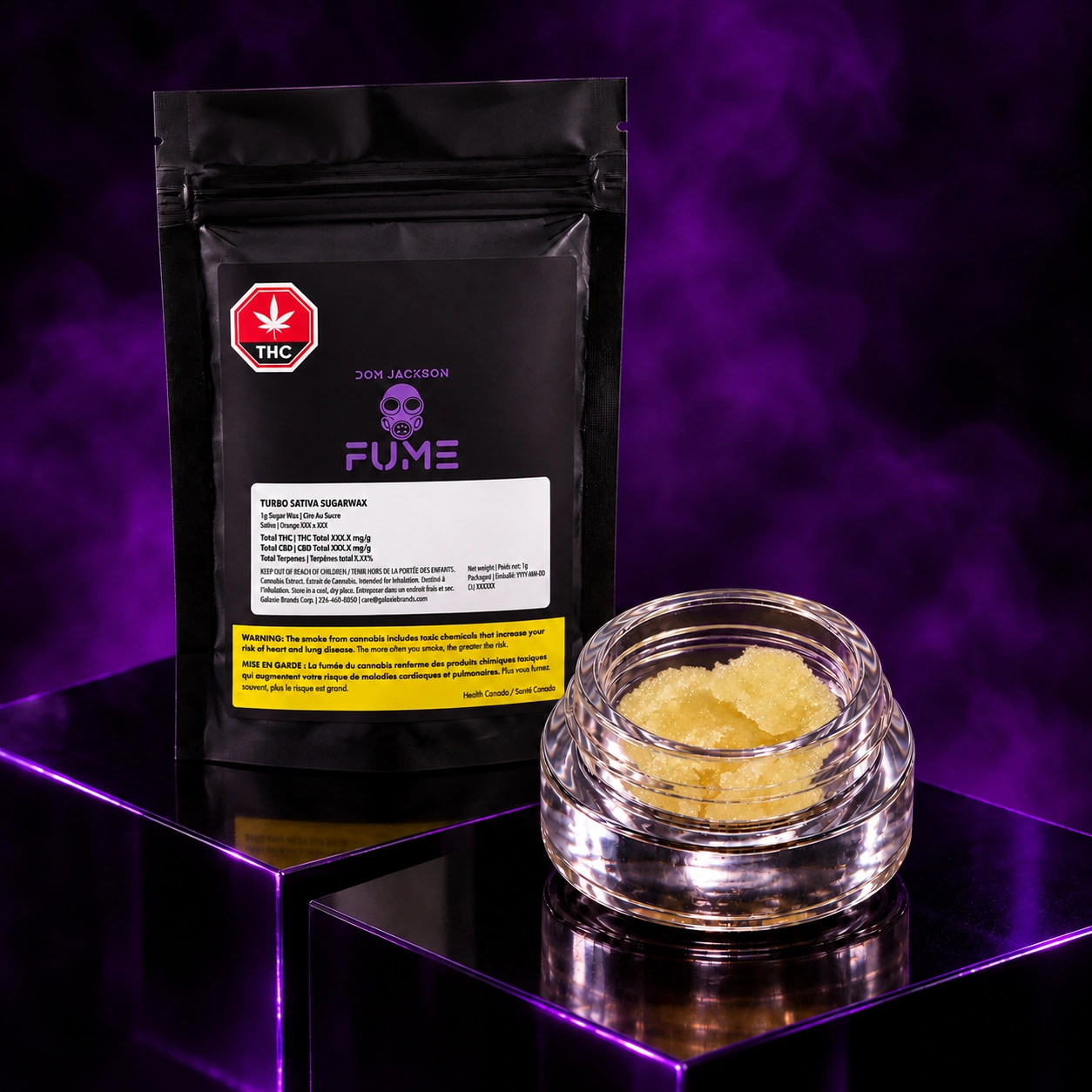
Jungle Fumes appears in the Dom Jackson catalog across the Gas Tank all-in-one vape and the Turbo Sativa Sugar Wax. These formats use different product names and packaging. The Gas Tank listing identifies a 1 g cold cured resin device, while Turbo identifies a 1 g jar of sugar wax.
The release record identifies Jungle Fumes by name. Parentage for the specific release has yet to be confirmed. If you encounter a similar name in another grower’s catalog, compare the full cultivar name and release details before assuming both listings refer to the same selection.
Terpene profile and batch details
The documented profile lists Myrcene, Caryophyllene, Limonene. These names identify compounds recorded for the cultivar or its release. They give you a way to compare the profile across product materials, while the current package identifies the amounts for the specific lot where those amounts are listed.
When comparing packages, distinguish the names of individual terpenes from a total terpene percentage. The named compounds describe the composition of the profile, and the total refers to the measured combined amount. The lot number and package date help you tie those details to the product in your hand.
Dom Jackson formats and listings
This guide connects Jungle Fumes to Gas Tank Cold Cured Resin AIO (1 g), Turbo Sativa Sugar Wax (1 g). Open the product cards above for the format, package imagery and market listing. The region shown on each card belongs to the cultivar rotation described here. Retail inventory can vary by store and the cultivar on a rotating product can change with the release.
The cultivar name is particularly useful here because the format changes how the product is presented on a menu. Check for “AIO” when looking for Gas Tank, or “Sugar Wax” when looking for Turbo. The product images help distinguish the device from the jar. Their lot labels should be read separately.
Cold cured resin and sugar wax describe the finished products and tell you how each release is sold. They do not replace the cultivar field. Look at the device or jar in the product photo, then match the product name and net quantity.
If a retailer menu leaves out part of the description, start with the product line and size. Confirm the cultivar on the package, then use the lot number for questions about the batch. The package guide in Dom Jackson Intel explains where to find these details and how the label is organized.